Warehouse scan, one month in: what the floor told us to fix
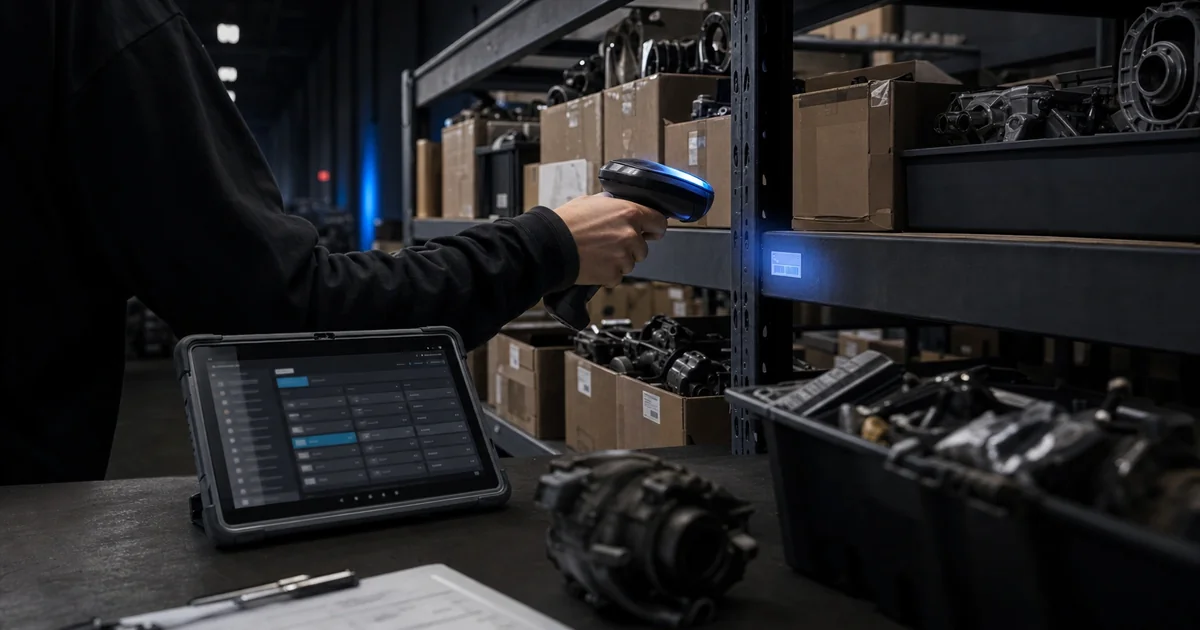
A month after barcode scan intake went live at Luke's, real floor use taught us four specific things the spec did not. The June 4 fix closed each one - and the lesson is the same one floor-rollout software keeps teaching us: a live feedback loop beats a one-shot launch.
The rollout that worked, and what working looks like
The May 17 rollout put barcode scanning, the intake schema, the mobile admin flow, and the operator docs into the same room. It worked. Operators were scanning. Items were landing. The system was doing what we built it to do.
What it was not doing was exactly what a real floor actually needs. After a month of shifts, four concrete friction points had surfaced - the kind that only show up when someone with a scanner in one hand and a tote in the other is trying to move eighty items before lunch. None of them were surprises, and all of them were the price of shipping on the spec we had.
That is the value of a live feedback loop. The floor is the spec, the floor is the test, and the floor is unforgiving in the most useful way. A one-shot launch is a guess; a launch that stays in conversation with the people using it is something else. The June 4 fix is the second kind.
Fix one: a real intake bucket, not the first auction in the DB
What hurt: scan-created items were landing in whatever auction the database happened to return first. That is a clean design for a one-off test and a slow leak in production. Operators who scanned an item and then went to find it in the auction list were looking in the wrong place. Some gave up. Some re-scanned. The first thing we owed the floor was a place where scanned items actually live, every time.
What changed: the warehouse-intake auction is now a dedicated bucket. Scan-created items route there by default, and the warehouse browse view shows them where operators expect to find them. One table, one default, one place to look.
Operational implication: scanned inventory is no longer a scavenger hunt. The intake bucket is the source of truth for what came off the floor this shift, and the work of moving it into a real auction starts from there, not from a guess. It is also the place to look when something has gone missing, which is the moment that matters most.
Fix two: blank descriptions are allowed on scan-created items
What hurt: the form required a description on every scan-created item. That is fine for a thoughtful intake and a tax on the actual floor, where the operator is reading a label, not writing one. The fastest path through the form was the one we had made the slowest. Operators were leaving placeholder text in the description field just to keep moving, and the placeholder text was worse than no text at all.
What changed: scan-created items no longer require a description. The SKU is enough to create the row; the description can be backfilled later, when the operator has a hand free and a screen to look at. The form gets out of the way of the scan, and stays useful as a place to add detail when detail is what the operator actually has.
Operational implication: a scan is a scan. The system no longer asks for information it does not need at the moment of capture, and the data we end up with is the data the operator meant to put in, not the data they typed to make the form go away.
Fix three: paste a batch of SKUs at once
What hurt: there was no way to paste a comma-separated list of SKUs. Operators with a stack of items and a manifest open on a phone or a clipboard were retyping them one at a time. That is the kind of friction that quietly makes the tool feel slower than the work it is supposed to speed up, and it is the kind nobody complains about because they have already adapted to it by the time they would have.
What changed: the intake form accepts a comma-separated bulk paste. One action, many SKUs, in the order they were entered. The parser is forgiving about whitespace and tolerates the trailing comma a person always leaves at the end of a list.
Operational implication: when the manifest is on a screen and the tote is on the floor, one paste is faster than eighty scans. The tool now matches both kinds of work - the one-at-a-time scanning kind and the batch-from-a-list kind - instead of asking the operator to do whichever one the form happens to want.
Fix four: line-item delete in the warehouse browse view
What hurt: mistakes were sticky. If a scan created the wrong row, or a typo landed in the SKU field, there was no way to remove it from the warehouse browse view. Operators learned to work around it; we learned we had built a system that punished the wrong things. The workaround was usually a re-scan with a note, which is the kind of fix that costs more time than the original mistake.
What changed: line-item delete is in the admin and warehouse browse view, backed by a real endpoint. Mistakes are fixable in place, by the same operator who made them, in the same screen they are looking at.
Operational implication: the floor can correct itself, which is what the floor has always done. The system just gets out of the way of that now, instead of forcing the correction to leave a paper trail in the form of a follow-up scan.
What we shipped, in concrete terms
Four fixes, one release. The fix shipped with tests - 46 new lines in the warehouse test suite - so the next time we touch this surface, we have a regression net, not just a memory of what we changed. That matters more than it sounds. The May rollout moved fast, and that is why it worked. This follow-up is the part that lets the next change move fast too, because the tests are what carry the speed.
The work touched the intake logic, the browse view, the line-item edit flow, and a new endpoint for delete. None of it was a hotfix. All of it was a real change to a real surface, and the unit coverage is what makes that statement true rather than hopeful.
If your intake workflow looks like this
If your warehouse, auction, or intake floor has its own version of these friction points - items landing in the wrong place, forms that want too much, paste where there should be paste, edits that should be edits - we would like to hear about it. Describe the workflow in as much detail as you have, and we will tell you whether Luke's is a fit. If it is not, we will tell you that too.